Explore the PSCareFlow modules your agency can use today
This page is the product tour version of PSCareFlow. It shows the operational, clinical, billing, reporting, and rollout modules already represented across the current home care release.
A clearer look at what is already in the platform
Instead of a generic feature list, this view groups PSCareFlow by the real jobs agencies need done every week: intake, scheduling, documentation, EVV, billing follow-through, and rollout support.
Scheduling and Agency Operations
Keep the administrative side of the agency organized with visit scheduling, staff coordination, records, communication, and office workflow tools.
Clinical Charting and Assessments
Support skilled nursing documentation with the assessments and point-of-care workflows home care teams expect to use inside the same platform.
EVV and Visit Verification
Track where and when care happened so teams can support EVV expectations without stitching together separate tools.
Billing and Revenue Cycle
Carry completed visit and charting work forward into billing, claims, remittance handling, and denial follow-up.
Reporting, AI, and Visibility
Give agency leaders better visibility without waiting on exported spreadsheets or disconnected reporting tools.
Portal, Alerts, and Rollout Support
Help agencies adopt the system faster with communication tools and onboarding support that match real rollout work.
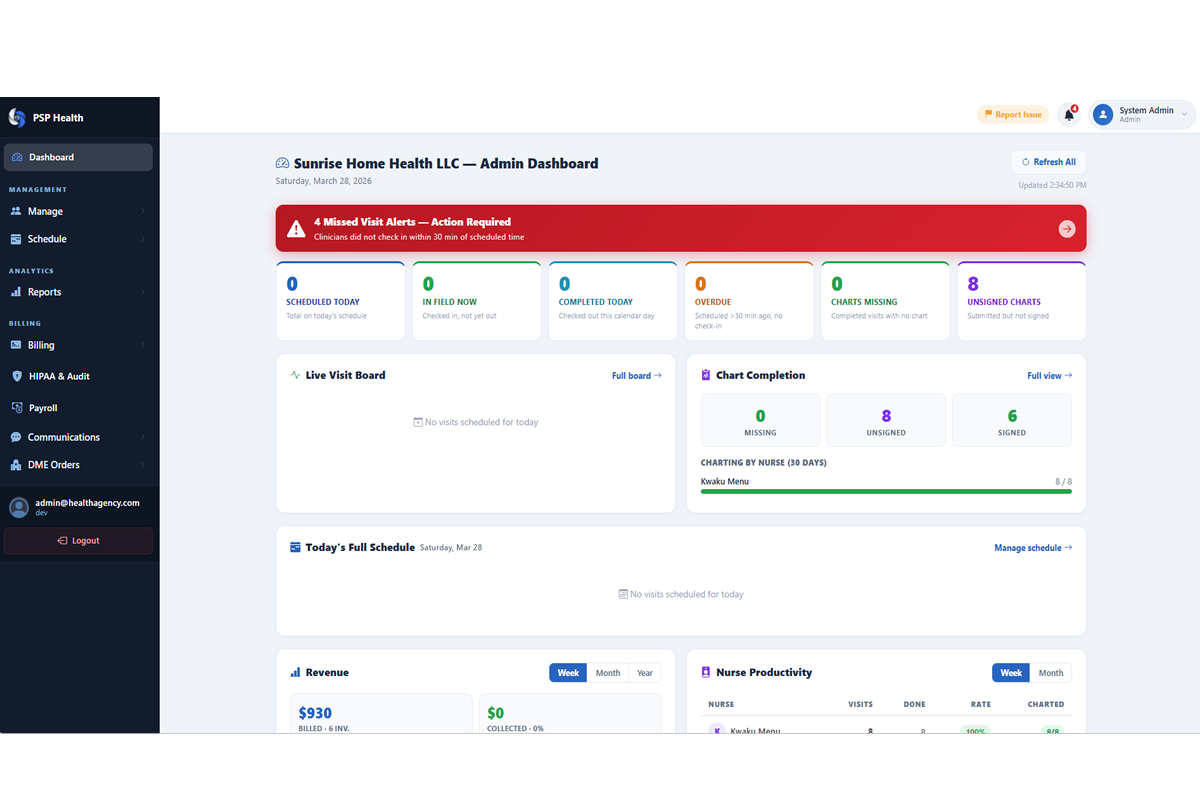
Operations and follow-up work stay in one view
Coordinators and admins need more than a scheduler. The dashboard direction in PSCareFlow brings visit activity, staff status, pending work, and follow-up actions together so teams are not constantly switching tabs.
Field documentation is part of the same system, not a separate app
The product is being presented around the real point-of-care flow: nurse check-in, charting, assessment work, signatures, and the downstream billing/reporting steps that happen after the visit is complete.
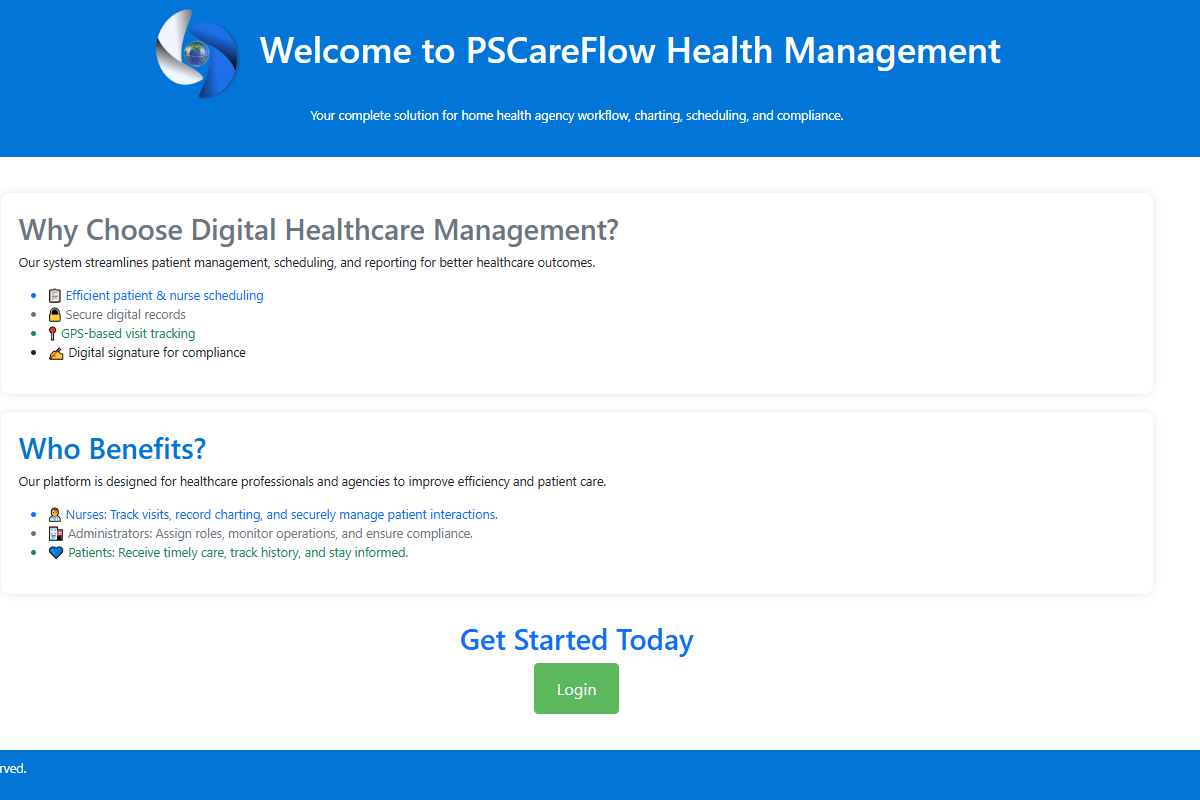
One agency workflow from referral to reimbursement
Public visitors should be able to understand where PSCareFlow fits into agency operations quickly. This is the practical workflow story the website now supports.
Intake and setup
Start with agency setup, patient records, staff records, and scheduling foundations so operations are organized from day one.
Visit execution
Clinicians check in, document care, complete assessments, and capture signatures inside a workflow built for field use.
Billing follow-through
Completed visits and clinical work feed the revenue side with claims, remittance handling, denial review, and required output documents.
Leadership visibility
Admins monitor performance, run reports, review work queues, and keep rollout moving with messaging, alerts, and onboarding support.
Want a walkthrough based on your agency workflow?
We can show you the specific modules that matter most for your team, whether you are focused on charting, EVV, billing, migration, or the full platform rollout.